

Hotel website: a site that takes direct bookings
Guests see the room on your site, pick their dates and send a request; you approve it from the panel. Room pages, seasonal pricing, deposits and calendar sync come ready at setup.
- 8ready service suggestions
- SEO + GEOindustry-specific content
- 1 business dayon the fastest package
Quick quote
Your hotel website: get a quote
Fill in four fields; we'll get back to you the same day and build your site together.
- Same-day reply
- Live in 1 business day with a ready theme on the fastest package
- SSL, hosting and daily backups included
A hotelier's three headaches
When bookings are scattered, rooms stay empty
The three problems we hear most often from small and mid-sized properties:
Every booking costs a commission
Even guests who search for your hotel by name often decide on a booking platform. If room, price and availability aren't clear on your site, the comparison happens elsewhere and part of the sale goes to commission.
Requests are scattered across calls and messages
Keeping requests that come in by phone, WhatsApp and email in one list is hard. It gets confusing which room was promised for which night; the same room can end up reserved for two guests.
Prices change with the season
Between high season, weekends, children and extra beds, prices change every period. If an old price stays on the site, it turns into an argument with the guest on arrival day.
Hotel modules
Bookings, rooms and calendar in the same panel
Everything below is a screen that works today; the price box shows which package includes each one.
Booking requests and approval
The guest picks a room and dates on the site and sends a request. The request lands on the occupancy chart in the panel; when you approve it, the guest gets an email. If you ask for a deposit, the amount and your IBAN are shown in the confirmation email, and payment comes by bank transfer.
A page for every room type
Photos, capacity, bed layout, view and amenities sit on the room page. When you close a room for sale, it closes on the site too; the housekeeping board shows which room has been cleaned.
Seasonal pricing and stay rules
You enter seasons, the weekend surcharge, child discount and extra-bed fee once; the amount the guest sees is calculated from these rules. The cancellation policy you choose is shown on the request form.
Calendar sync with channels (iCal)
Each room has a calendar address; you give it to the booking channel you work with and add the channel's calendar to the panel. A night sold on the channel shows as booked on your site, reducing the risk of double bookings.
The flow
From room to approval, one booking
The guest picks a room, enters dates and sends a request; the request is approved in the panel. Footage prepared with demo data.
Examples
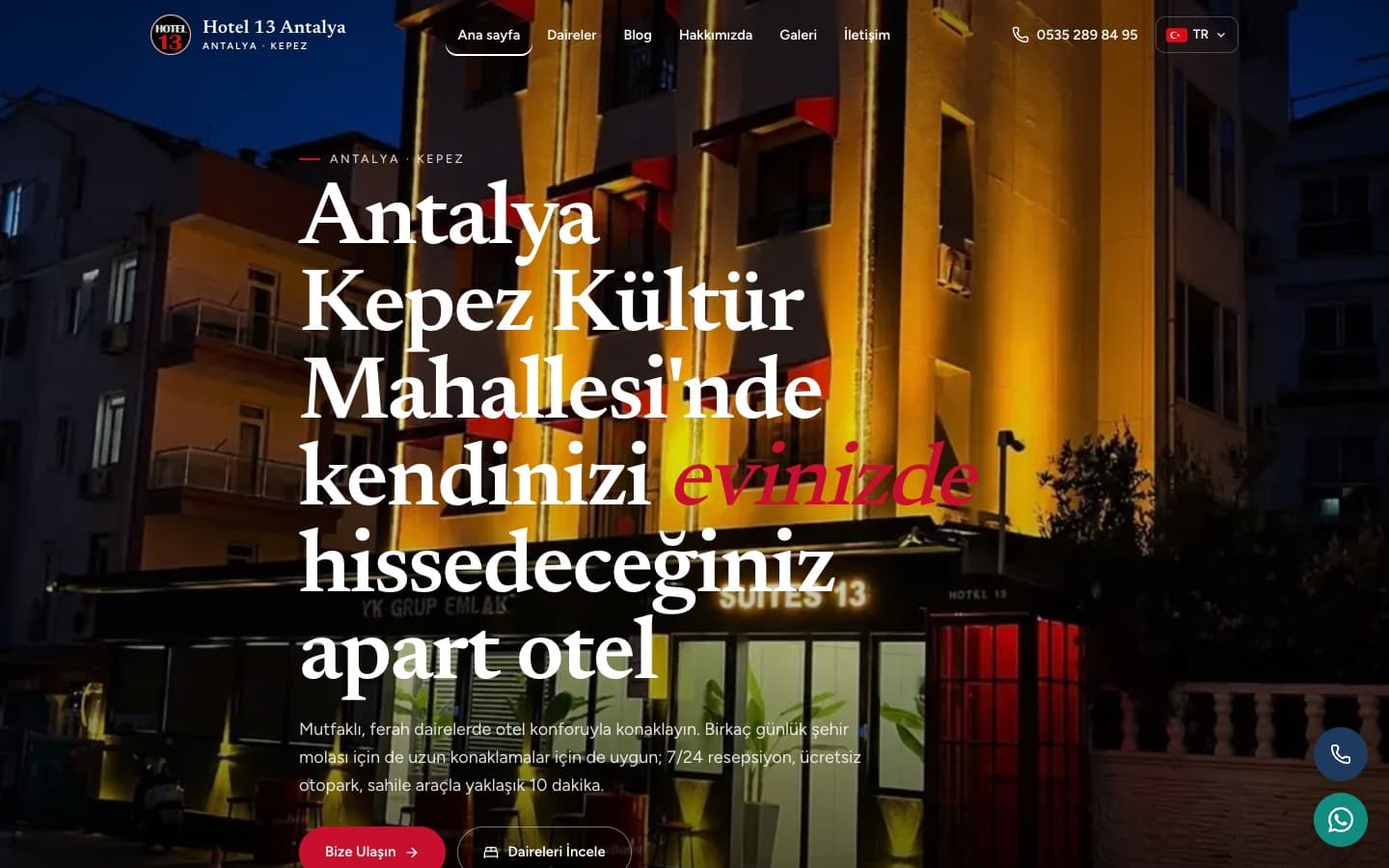
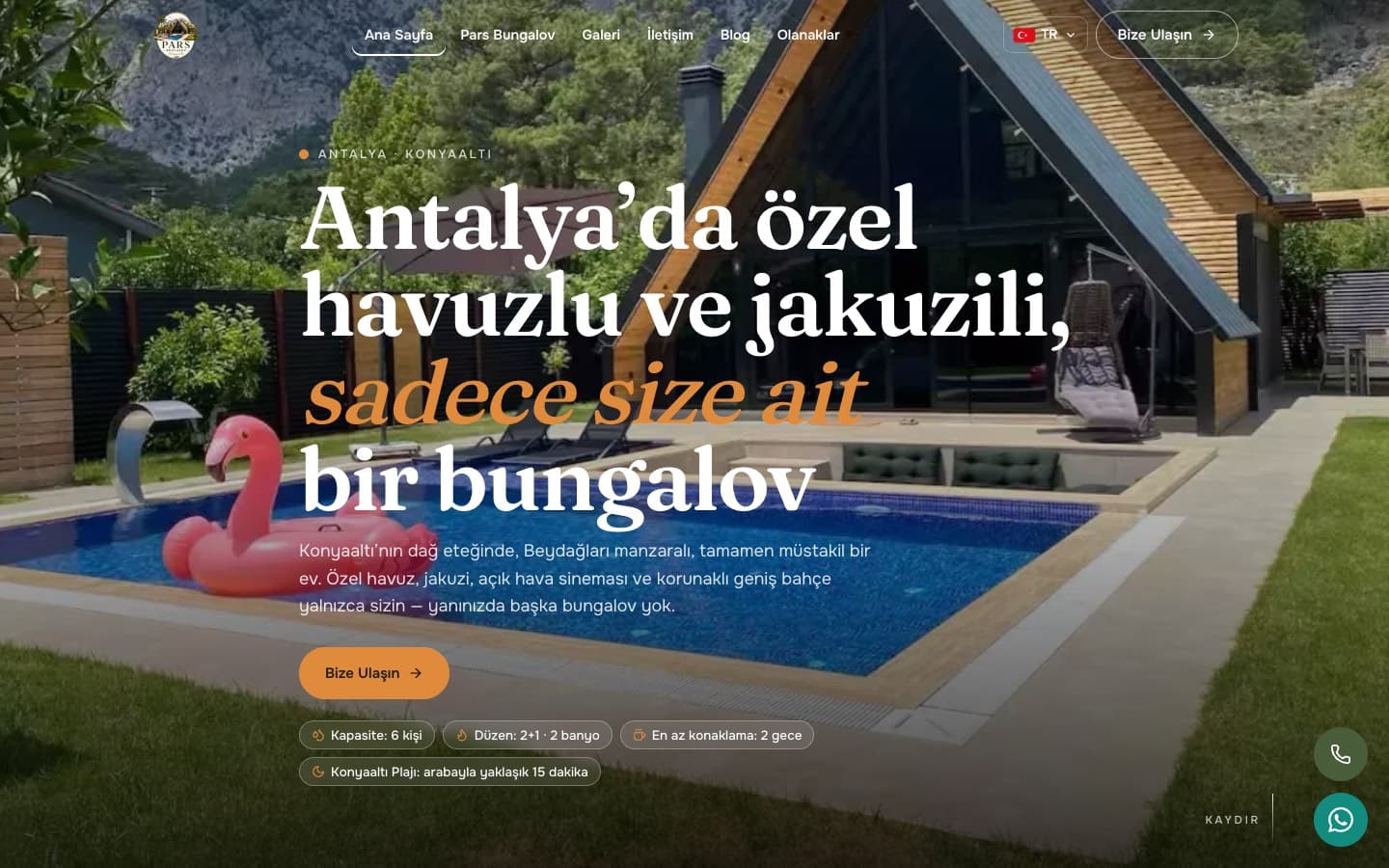
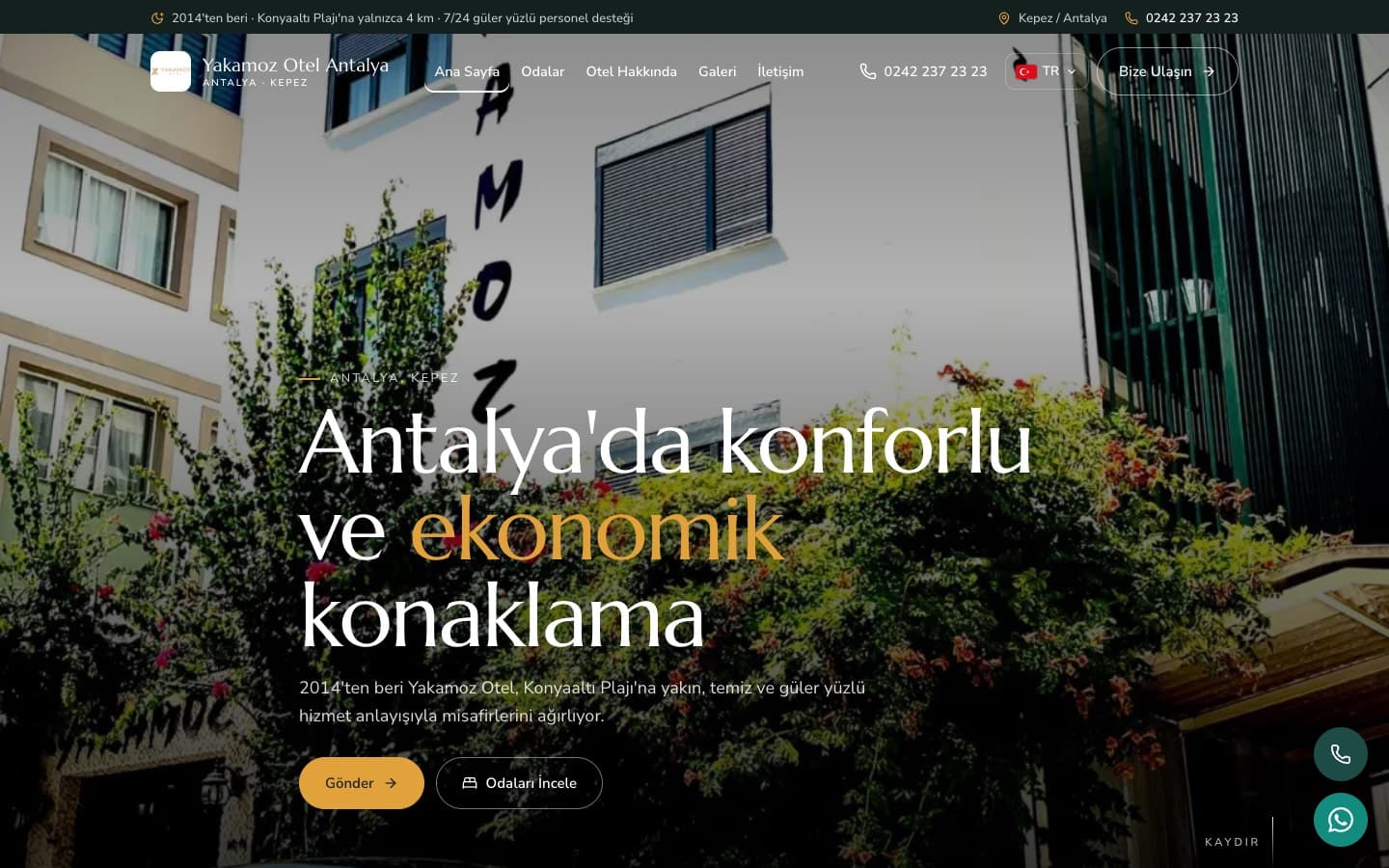
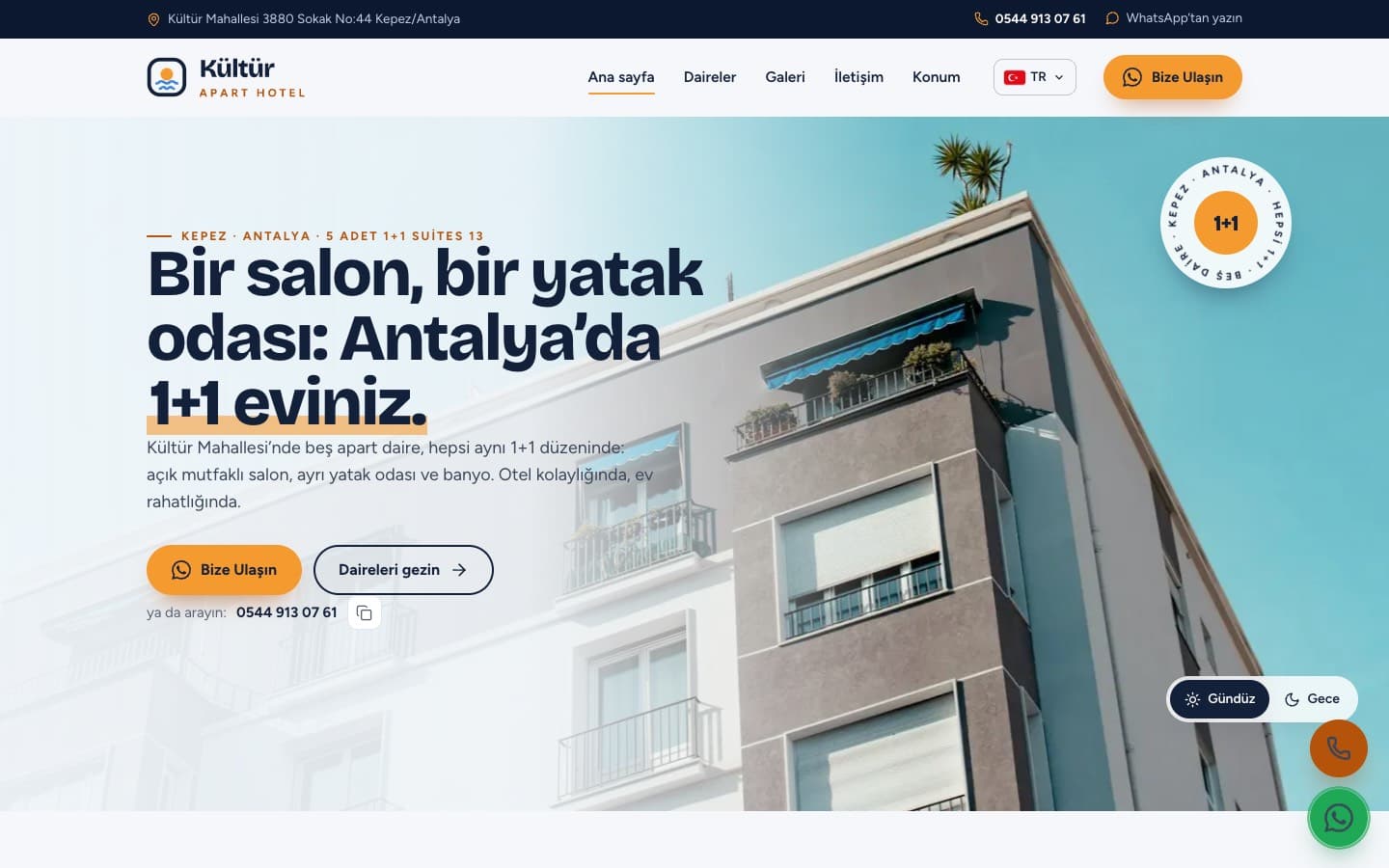
Hotel website examples
Theme previews we've prepared for accommodation; each card opens in a new tab. At setup you choose from your industry's themes.
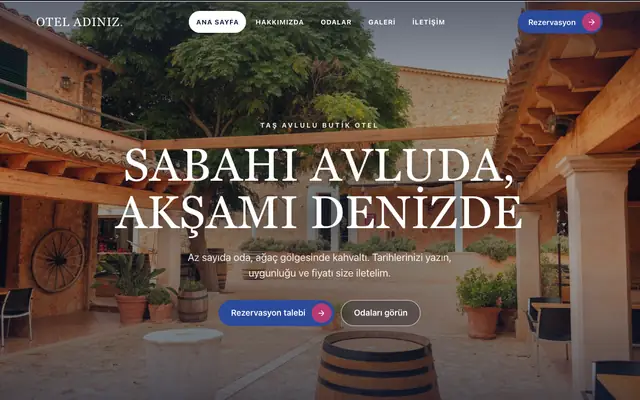
Avlu theme
For boutique and family hotels: room selection, courtyard breakfast, the surroundings and a request in four steps.Open the preview, opens in a new tab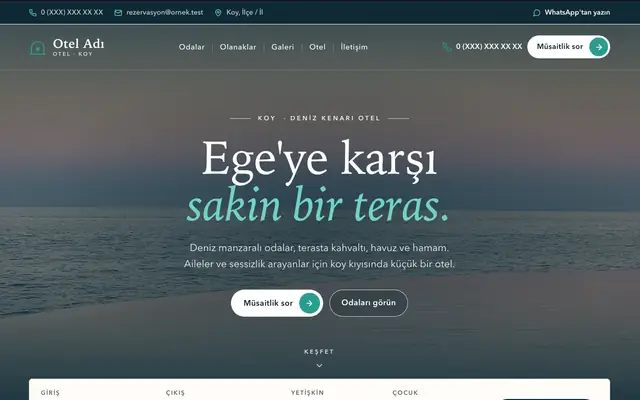
Teras theme
For sea-view hotels: suites, pool and terrace, breakfast facing the sea.Open the preview, opens in a new tab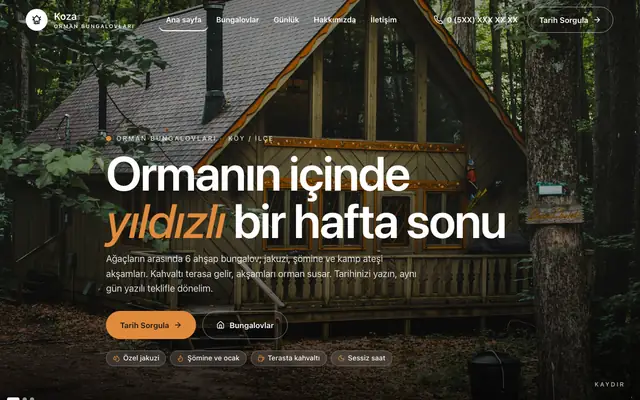
Koza theme
For forest bungalows: house types, terrace breakfast and the flow of the day.Open the preview, opens in a new tab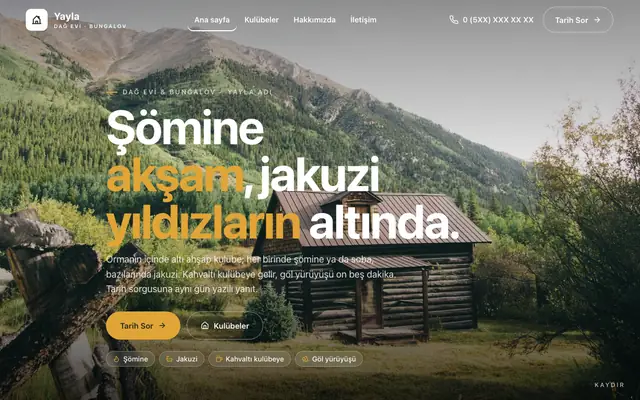
Yayla theme
For mountain lodges and bungalows: cabin types, fireplace and jacuzzi, prices in writing.Open the preview, opens in a new tab
Ready at setup
Ready at setup: service suggestions
When you choose your industry, the services below are added to your site in one click; you change their names, order and descriptions from the panel.
- Room booking
- Family rooms and suites
- Bed and breakfast
- Meeting and event hall
- Airport transfers
- Long-stay accommodation
- Car park
- Restaurant and café
Price
Hotel website pricing
Amounts are annual and read from the package table. Which package includes each hotel module is shown below.
₺5.000per year, starting from the Advantage package (+ VAT)
- Booking Management is included in the Performance and Exclusive packages.
- Room Management is included in every package.
SEO & GEO
Once your site is live: hotel SEO service
On a separate page we explain which items make up our SEO and GEO work for this industry, search intent by sub-area, and frequently asked questions.
- Consistent Location and Contact Details
- Room and Amenity Pages
- Content for Accommodation Questions
- Technical Foundation for Image-Heavy Sites
- Structure for AI
- Measurement and Monthly Report
Guide
What should a hotel and accommodation website look like? Rooms, trust and bookings
For a hotel, apartment or boutique property, the website is what guests base their decision on before they've seen the room. A guest may have found you on a platform, on a map or through a recommendation; most of the time they look at your own site before making the final decision. If they can't find the rooms, whether breakfast is included, parking and how to reach you, they book through an intermediary or give up. In this post, we explain what a hotel and accommodation website should include, how guests search for you and which details build trust.
Read the full articleClose the article
What is a hotel and accommodation website, and why do you need one?
A hotel and accommodation website is a corporate site that brings a property's rooms, amenities, location, stay conditions and contact details together at one address, so guests can get to know the property before booking and reach you directly. In this industry, the product is a night the guest can't try in advance; the decision rests on photos, descriptions and the impression the property leaves. Intermediary platforms show you inside a list, in their own templates; your own site lets you describe the property in your own words, offer options that don't fit a listing, such as family rooms, suites or long stays, and talk to guests directly. An out-of-date site leaves the impression that the property is poorly kept too.
Which pages should a hotel site have?
The home page should say at a glance where the property is and what kind of stay it offers; the details should be spread across sub-pages.
- Room pages: separate pages for standard, family and suite rooms; bed layout, number of guests and view stated clearly.
- Amenities: a page for each service, such as breakfast-included stays, restaurant and café, car park, airport transfer, and meeting and event hall.
- Gallery: real photos of the rooms, shared areas and surroundings; no misleading images.
- Frequently asked questions: check-in and check-out times, cancellation terms, pets, children and extra beds, payment method.
- Contact and booking request form: address, map, phone and a short form asking for dates and number of guests.
When pages sit at separate addresses, guests find what they're looking for easily, and search engines read each room and service under its own heading.
How do guests search for a hotel?
Guests usually search while planning a trip, and on their phone, with phrases like "hotel near me", "boutique hotel with breakfast", "accommodation near the airport" or "monthly apartment rental". Most of these searches depend on location; people search with the name of the place they're going, look at the map results, then open the site. That's why you need to state the property's location, how to get there and the surroundings clearly. On mobile, it should be possible to call the phone number with one tap, room photos shouldn't load slowly, and the booking request form should take only a few fields. Page titles and descriptions should carry the name of the room type, service and location so search engines read correctly what the page is about. This isn't a ranking promise; it's the groundwork guests need to be able to find you when they search.
What builds trust?
Guests entrust their money and their holiday to a place they haven't seen; trust is built with verifiable details, not exaggerated claims.
- Real property details: trade name, full address, map, landline and mobile numbers, business email; the hours when reception can be reached.
- Legal texts: the privacy notice, cookie policy and privacy page should be complete; since you process identity and payment details, they should be written to be read.
- Conditions: what the price covers, breakfast, taxes, cancellation and early check-out rules, plainly and in one place.
- Documents: your tourism operating licence and star rating, if any, written only accurately and up to date.
Don't show a pool you don't have or a transfer you don't offer on the site. Instead of "all-inclusive, for every budget", highlighting what the property is genuinely strong at persuades guests more. Keep prices and conditions up to date with the season; an old price on the site turns into an argument at reception. Use language that complies with advertising and consumer rules.
Your hotel and accommodation website with Octofly
Every package has a price known upfront; the structure needed for room and service pages, the gallery, FAQs and the booking request form is ready. When you choose your industry at setup, ready service suggestions such as room booking, breakfast-included stays and airport transfer are added in one click. The design is prepared for you. Mobile-friendliness, SSL, hosting and daily backups are included; the page title, description and canonical URL are generated automatically on every page. You update your rooms, services, gallery and frequently asked questions yourself from the panel. If your content is ready, your site goes live in 1 business day with a ready theme on the fastest package. We're your single point of contact for design, hosting, technical work and SEO. Get in touch; we'll get back to you the same day.
Questions about hotel websites
Do our room types and amenities come ready at setup?
When Hotels & Accommodation is selected, suggestions for room booking, family and suite rooms, breakfast-included stays, meeting and event hall, airport transfer, long-stay accommodation, car park, and restaurant and café are added in one click. You don't select an amenity your property doesn't have; you change the names and descriptions from the panel and write anything missing from the list yourself.
Can we take online bookings on the site, and how does payment work?
Yes. With Booking Management, the guest picks a room type and dates on the site and sends a request; the request lands on the occupancy chart in the panel, and when you approve it the guest gets an email. There's no cart or virtual POS on the site: if you ask for a deposit, the amount and your IBAN are shown in the confirmation email, and payment comes by bank transfer. Which package includes the booking and room modules is shown in the price box on this page.
Can we also open the site in English for international guests?
Yes; multiple languages are available in the Performance and Exclusive packages, while Advantage is single-language. Translation is not included in the package: you provide the text and we put it in place. Room conditions, cancellation rules and check-in/check-out times must be the same in every language; a condition changed in one language must be updated in the others too.
Have you built sites in the accommodation industry?
Yes. Sites we've built for hotels and bungalow businesses in Antalya are live; on the References page you can open their live links under the "Accommodation" tag and check the room, gallery and contact layout on your own phone. Only sites of customers who have given permission appear in the reference gallery.
We have lots of room photos; will the site slow down?
The photos you upload are automatically converted to lightweight formats such as AVIF and WebP, served at the right size for each screen and delivered over a global CDN. Media storage is 5 GB on Advantage, 10 GB on Performance and 50 GB on Exclusive; you can add unlimited videos from YouTube. Use only real photos of the property in the gallery.
Should we show our tourism licence number on the site?
If you have a licence, you enter its number once in the booking settings; it appears in the site footer as a "Tourism licence no" line, and if you don't enter it, the line isn't shown at all. Enter the number exactly as it appears on your official licence. Check your obligations regarding how your property is promoted and how prices are displayed with the authority that issued the licence or with your accountant.

Your hotel website: take the first step
We can set up the same infrastructure for your Hotels & Accommodation business.